Vision board template
A 2027 vision board template that fills itself
Skip the blank grid. Pin Memory lays out your own pins around your word for the year, and you shuffle until it feels like yours.
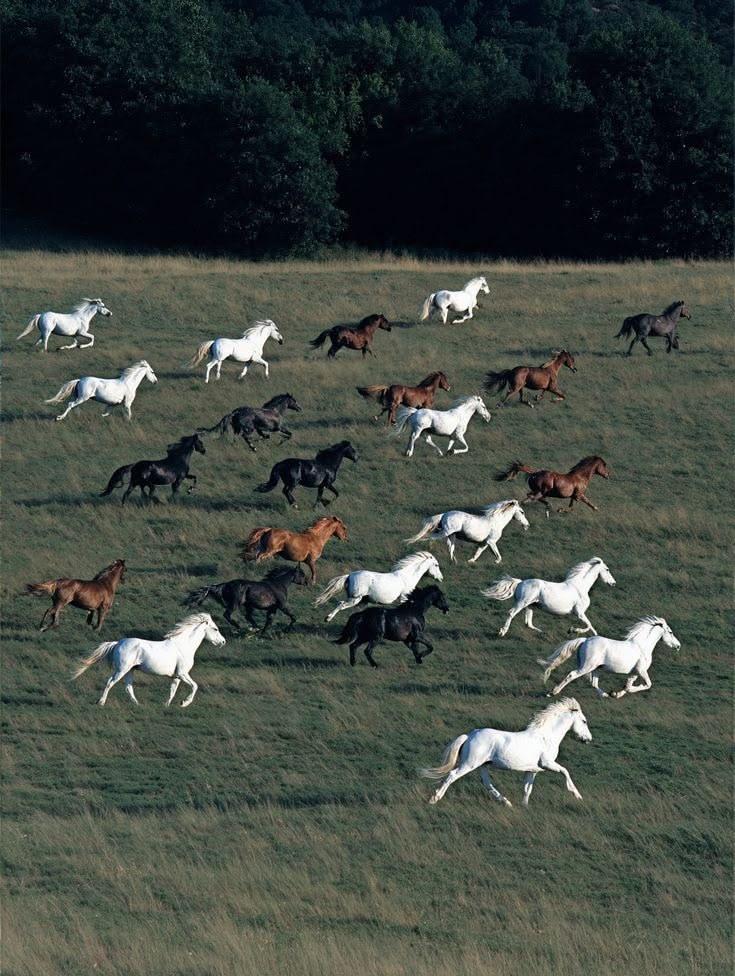



- I do it scared.
- I ask for what I want.
- I go first.
A simple vision board template has your word for the year in the middle, a few corners of life around it (home, work, body, people, places, money) and up to three intentions. You can draw it by hand, or Pin Memory can fill it with your own Pinterest pins and save it as a phone lock screen.
How the template fills itself
Four steps, all on your phone.
- 01
Connect Pinterest
Pin Memory reads your boards (read-only) and finds what you keep saving.
- 02BraveBrightGroundedFree
Choose your word
Four words written from your pins, or one of your own.
- 03
- I do it scared.
- I ask for what I want.
- I go first.
Choose your intentions
Up to three, in your own words. Each one is taped down.
- 04
Friday, January 1
9:41
2027BraveGOfirst- I do it scared.
- I ask for what I want.
Save it as your lock screen
The board builds itself from your pins. Shuffle it, swap any pin, then save it for your phone.
The layout, if you'd rather do it by hand
Your word goes in the middle, big. Around it, one picture for each corner of life that matters to you this year; skip the ones that don't. Write three intentions under the word, first person and present tense.
That is the whole template. It works on paper, in any design app, or on a Pin Memory canvas.
Or let the layout come from your pins
A fixed template squeezes every picture into the same box. Pin Memory lays your pins out at their own shapes instead, and each shuffle gives a new arrangement of the same prints.
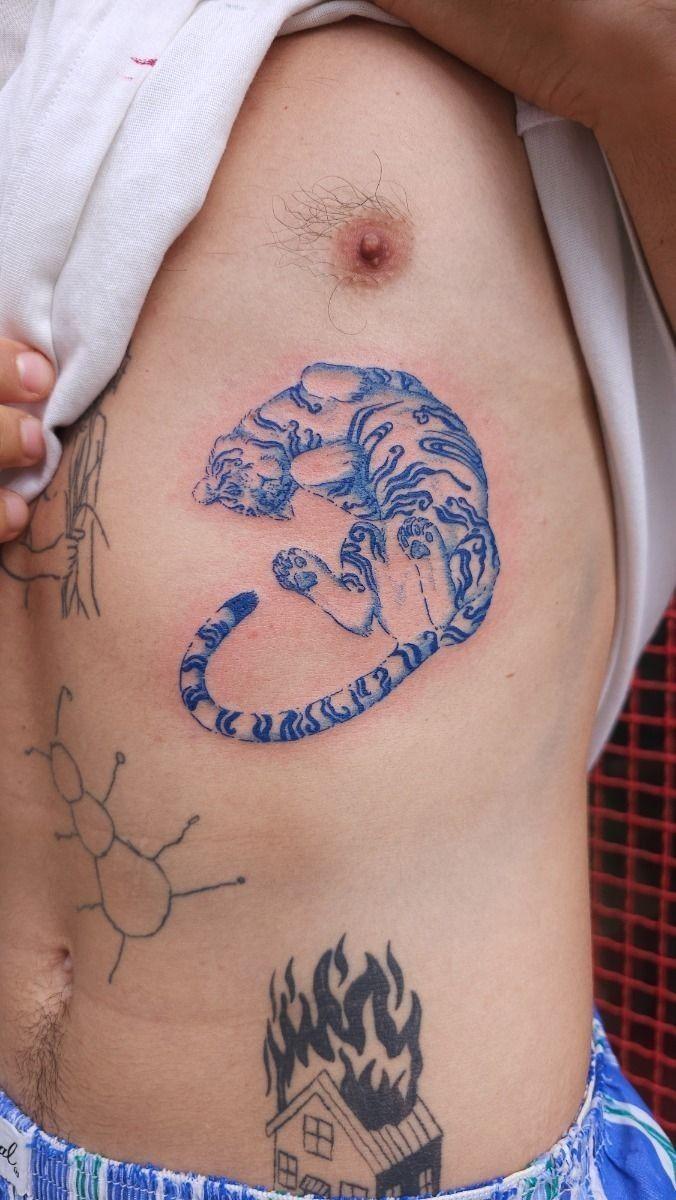
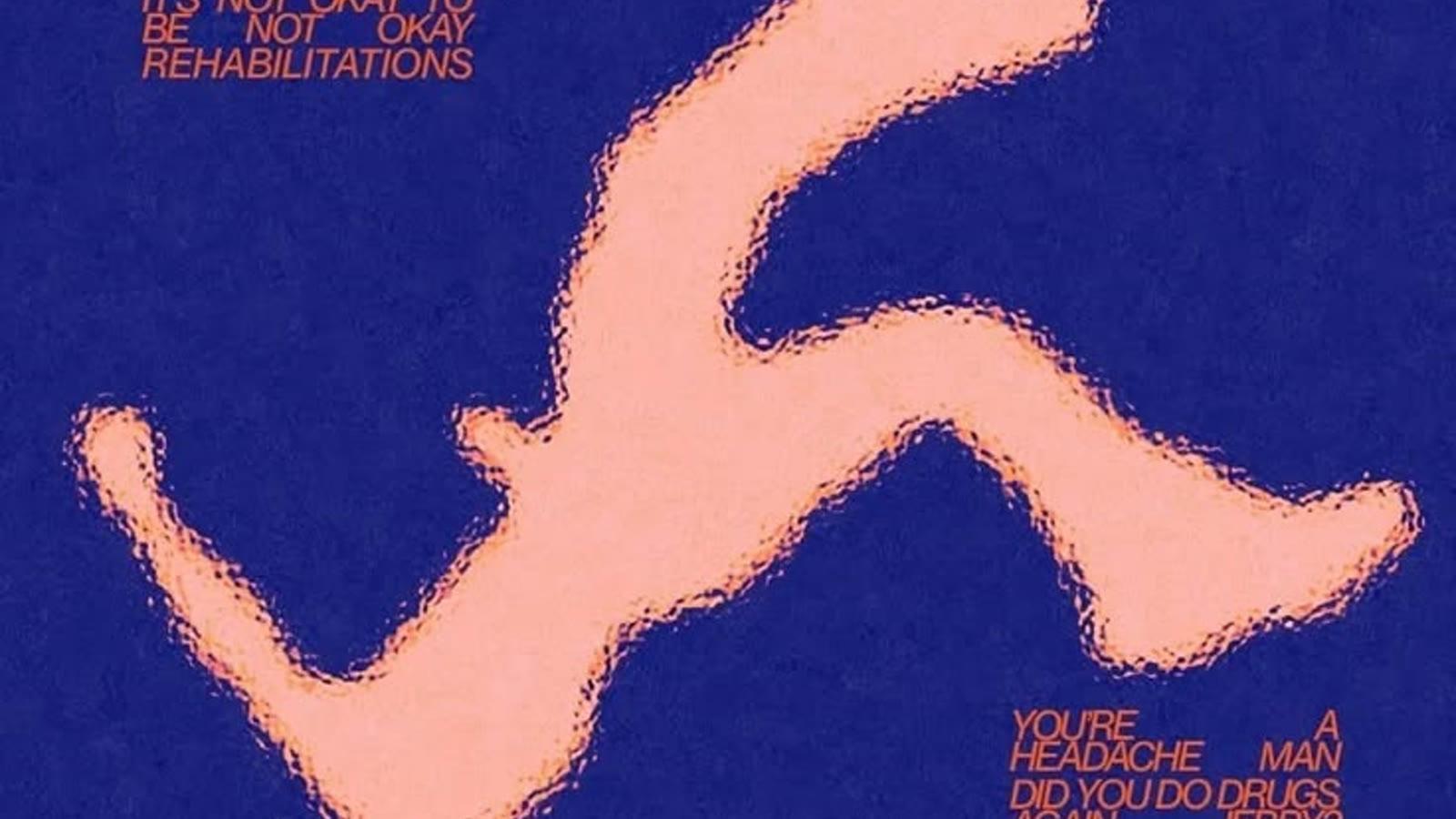
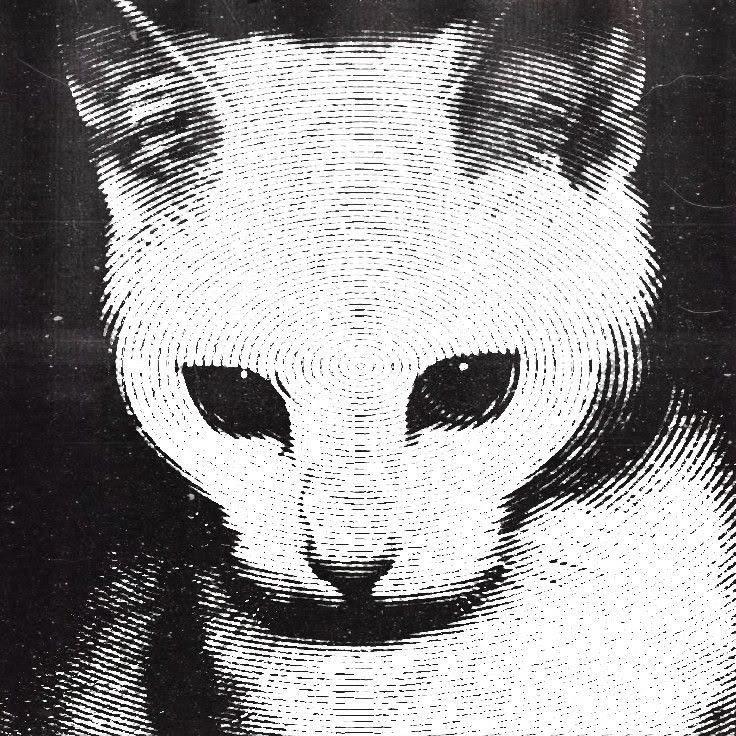

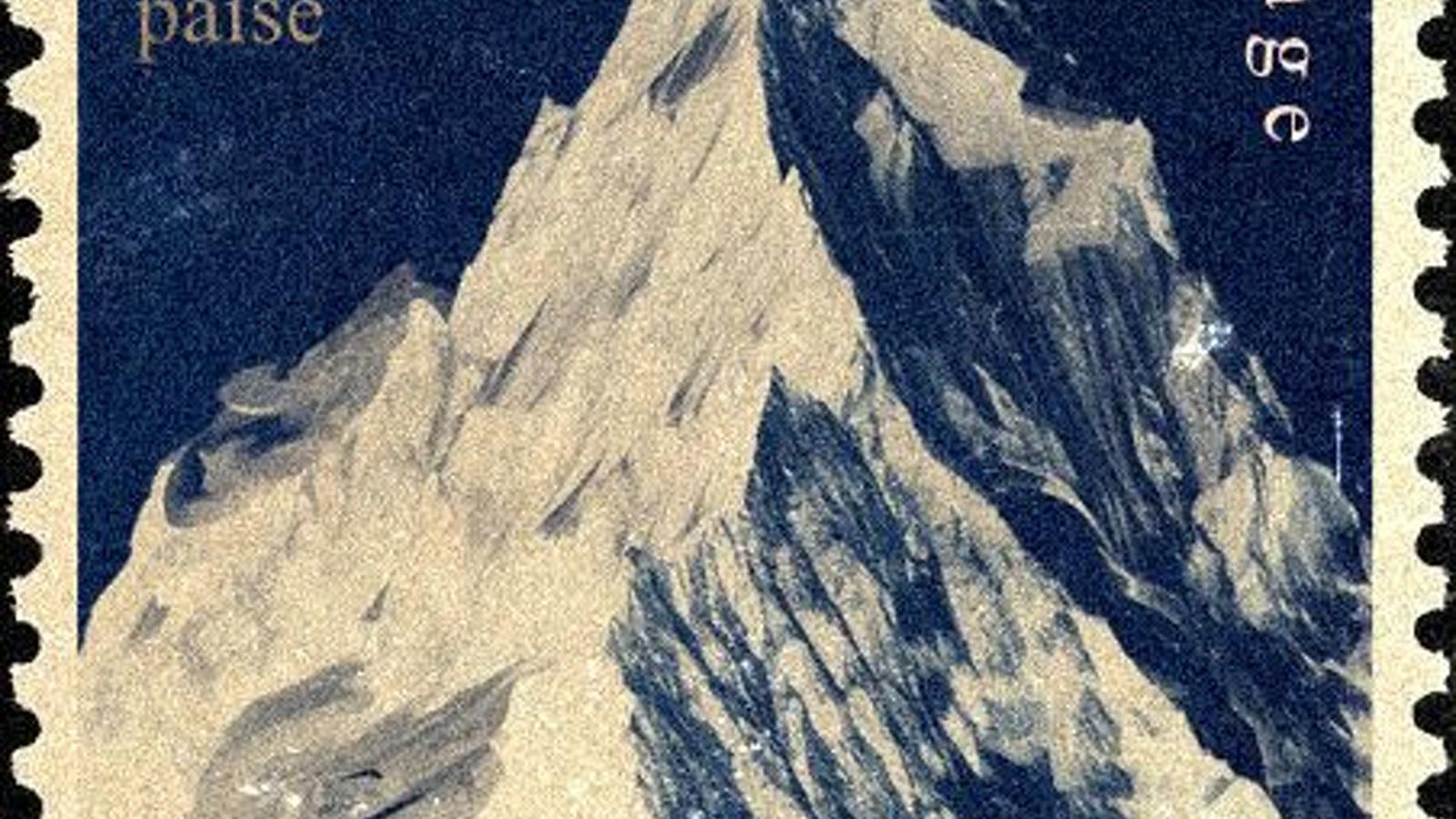
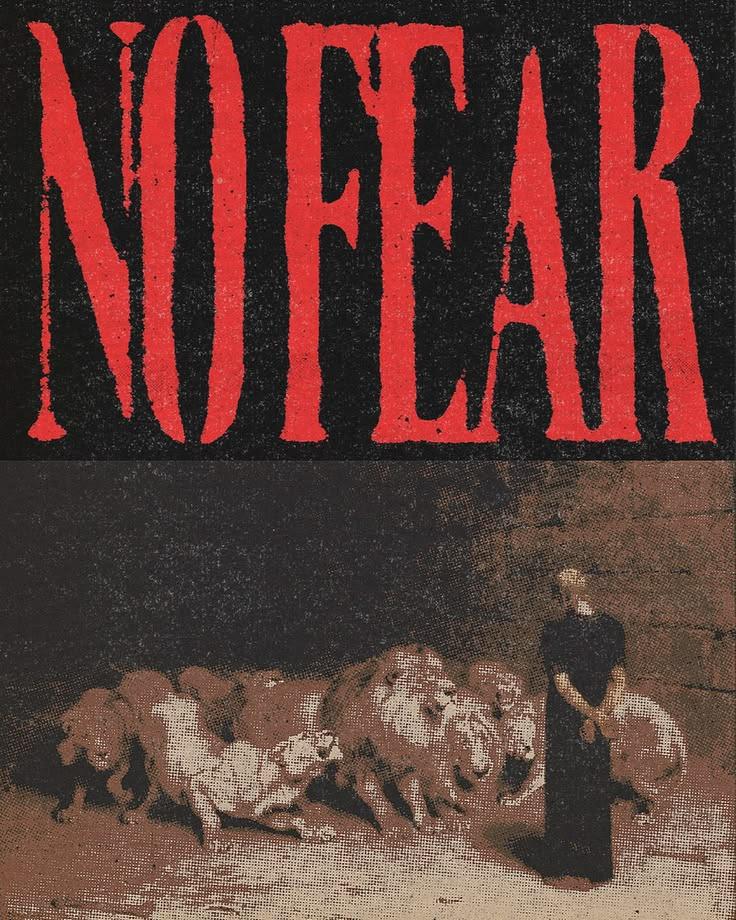
- I make time for joy.
- I say yes to the trip.
Questions
- Is there a free vision board template?
- Yes: the layout on this page is free to copy by hand. If you want it filled for you, Pin Memory builds the board from your Pinterest pins for free and saves it as a lock screen with a small pinmemory.co mark.
- What size should a vision board template be?
- For a phone lock screen, a tall 9:19.5 image, which is what Pin Memory saves. For a desktop wallpaper or a print, a wider board works better; Pin Memory's canvas exports any board as PNG or PDF.
- Can I print it?
- Pin Memory doesn't print or ship anything, but you can export your board as a PNG or PDF from the canvas and print it at home or at a print shop.
- How do I start?
- Connect Pinterest and Pin Memory reads your boards to make your free Pinterest Wrapped. On its last page, tap to make your 2027 vision board: choose your word, choose up to three intentions, and the board assembles itself from your pins.
- Can I change it after it is made?
- Yes. Before saving you can shuffle the layout or swap any pin for another one of yours. After that the board lives on your Pin Memory canvas, where you can move, resize and add pins, then export it again as a PNG or PDF.
- Is it free?
- Yes. Connecting Pinterest, reading your pins and making your vision board are free, and you can save it as a lock screen with a small pinmemory.co mark. The 2027 Vision Pass ($12 once, Pro through Dec 31, 2027) removes the mark, saves the full-resolution lock screen and unlocks unlimited boards. Every purchase has a 7-day refund.