2027 vision board
Your pins are already your 2027 vision board
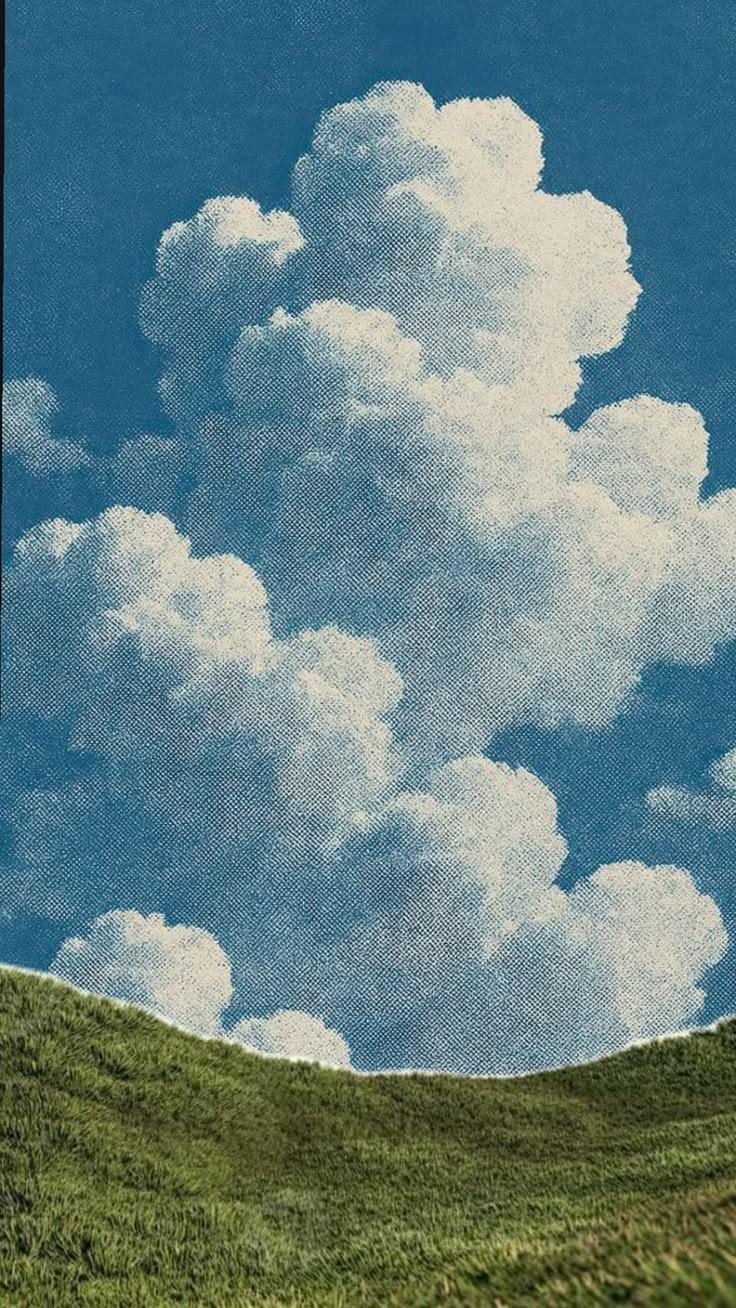
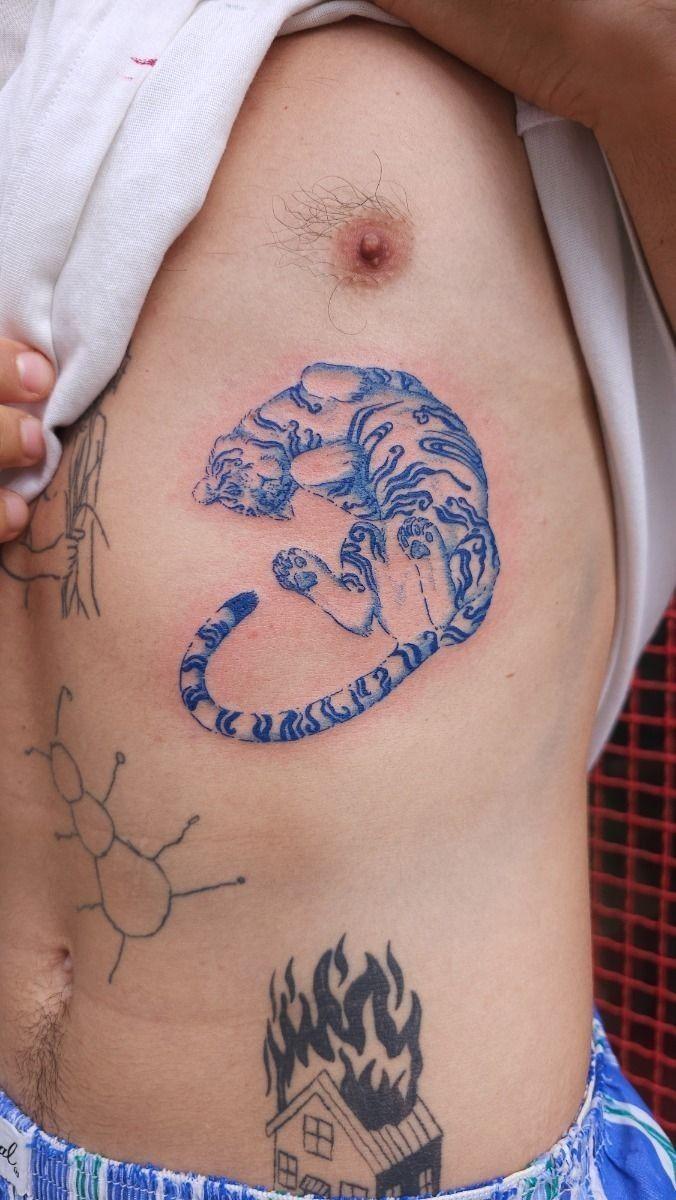
Every pin you saved was a quiet wish. Pin Memory gathers them into a handmade board for the year, with your word on top, ready for your lock screen.

- I live slowly and on purpose.
- I keep the promises I make to myself.
- I make a home that feels like me.
A 2027 vision board is a collage of pictures and words for the year you want. Pin Memory makes one from the pins you have already saved on Pinterest: you choose a word for 2027 and up to three intentions, and it assembles a collage of your own pins that you can save as your phone's lock screen.
From your pins to your 2027
Four steps, all on your phone.
- 01
Connect Pinterest
Pin Memory reads your boards (read-only) and finds what you keep saving.
- 02BecomingSoftRootedBrave
Choose your word
Four words written from your pins, or one of your own.
- 03
- I live slowly and on purpose.
- I keep the promises I make to myself.
- I make a home that feels like me.
Choose your intentions
Up to three, in your own words. Each one is taped down.
- 04
Friday, January 1
9:41
2027BecomingSLOW MORNINGSon purpose- I live slowly and on purpose.
- I keep the promises I make to myself.
Save it as your lock screen
The board builds itself from your pins. Shuffle it, swap any pin, then save it for your phone.
What goes on a 2027 board
Most boards cover a few corners of life. Your pins usually already do.
I make a home that feels like me.
Home
The room you keep saving. The light, the shelf, the kitchen.

I move every day, gently.
Body
Movement, food, sleep, the walk you want to be taking.
I finish what I start.
Work
The desk, the studio, the thing you want to make this year.

I go, this year.
Places
The trip you pinned three times and never booked.

I say yes to my people.
People
Dinners, friendships, the table you want full.
I dress for the life I want.
Style
The look you are slowly growing into.
Made to be seen a hundred times a day
A board on the fridge fades into the wall. Your lock screen doesn't: it is the one picture you look at every time you pick up your phone.
So the board ends as a tall phone image. Save it, set it as your wallpaper, and your 2027 is there every time you check the time.
Friday, January 1
9:41
- I live slowly and on purpose.
- I keep the promises I make to myself.
Questions
- When should I make my 2027 vision board?
- Whenever the year starts to feel close. Many people make theirs between Christmas and the first week of January, but a board made in November or in February works the same way. What matters is that you see it often.
- How do I start?
- Connect Pinterest and Pin Memory reads your boards to make your free Pinterest Wrapped. On its last page, tap to make your 2027 vision board: choose your word, choose up to three intentions, and the board assembles itself from your pins.
- Is it free?
- Yes. Connecting Pinterest, reading your pins and making your vision board are free, and you can save it as a lock screen with a small pinmemory.co mark. The 2027 Vision Pass ($12 once, Pro through Dec 31, 2027) removes the mark, saves the full-resolution lock screen and unlocks unlimited boards. Every purchase has a 7-day refund.
- Do I have to upload or download any pictures?
- No. Pin Memory reads the boards you already have on Pinterest, with read-only access, and builds the board from those pins. Nothing is posted, edited or deleted on your Pinterest.
- Can I change it after it is made?
- Yes. Before saving you can shuffle the layout or swap any pin for another one of yours. After that the board lives on your Pin Memory canvas, where you can move, resize and add pins, then export it again as a PNG or PDF.
- What size is the lock screen?
- It is a tall 9:19.5 image made for modern phones. Free saves are 780×1690 with a small pinmemory.co mark; with the 2027 Vision Pass they are 1170×2535 with no mark. You set it as your wallpaper yourself from your photos, the way you would any picture.