Digital vision board
A digital vision board that lives on your phone
No scissors, no glue, no uploading. Your Pinterest pins become a handmade-looking board, saved as your lock screen.


- I keep my phone for the good stuff.
- I protect my mornings.
A digital vision board is a vision board you keep on a screen instead of a wall, most usefully as your phone's lock screen. Pin Memory makes one from your Pinterest pins: it lays your pins out as a collage with your word for the year and intentions, then saves it as a tall phone image you can set as your wallpaper.
From your pins to your 2027
Four steps, all on your phone.
- 01
Connect Pinterest
Pin Memory reads your boards (read-only) and finds what you keep saving.
- 02RootedClearSteadyHere
Choose your word
Four words written from your pins, or one of your own.
- 03
- I keep my phone for the good stuff.
- I protect my mornings.
Choose your intentions
Up to three, in your own words. Each one is taped down.
- 04
Friday, January 1
9:41
2027RootedHEREnow- I keep my phone for the good stuff.
- I protect my mornings.
Save it as your lock screen
The board builds itself from your pins. Shuffle it, swap any pin, then save it for your phone.
Digital, but it doesn't look it
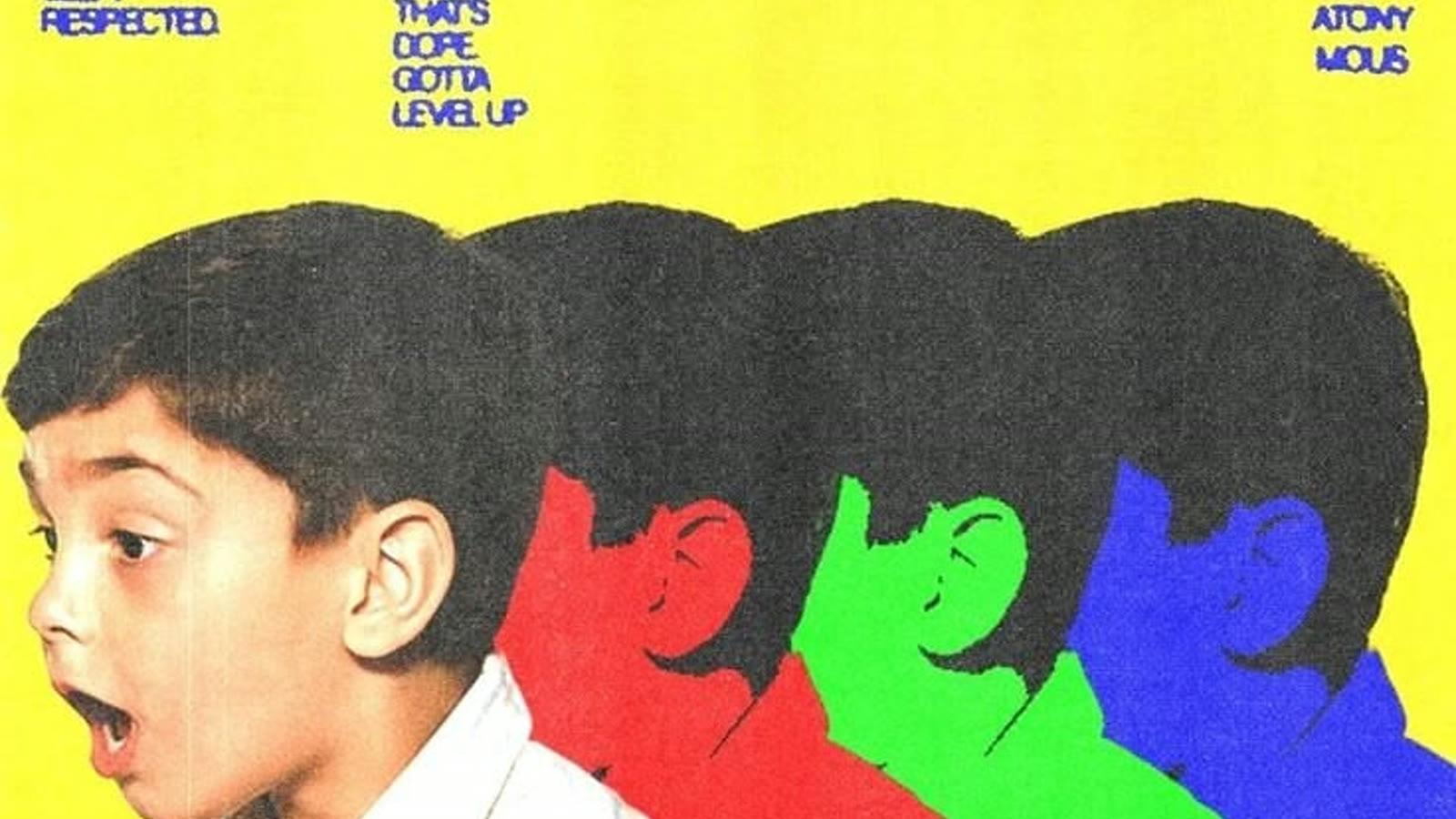
Most digital boards are a grid of photos. This one is laid out like paper: polaroid and deckle-edged prints, washi tape, a torn note, words cut from a magazine.
Your pins keep their own shapes. Nothing is cropped into squares.


- I keep only what I love.
- I make room for good things.
Everything a paper board can't do
It changes when you do.
- Shuffle the layout until it feels right
- Swap any picture for another of your pins
- Save a tall 9:19.5 lock screen image
- Keep editing on a free-form canvas, export PNG or PDF
- Share a view-only link with a friend
Friday, January 1
9:41
- I keep my phone for the good stuff.
- I protect my mornings.
Questions
- What is the best app for a digital vision board?
- It depends where your pictures are. If they are on Pinterest, Pin Memory is the most direct: it reads your pins and builds the board for you. If you want to design everything from scratch with stock images and fonts, a general design tool like Canva gives more control but takes longer.
- Can I make a digital vision board on my phone?
- Yes. The whole flow is made for phones: connect Pinterest, choose your word and intentions, and the board assembles on screen. Save it as a lock screen straight to your photos.
- Can I set it as my wallpaper automatically?
- Not automatically: phones don't let websites change your wallpaper. You save the image, then choose it as your lock screen in your phone's settings or photos, which takes a few taps.
- What size is the lock screen?
- It is a tall 9:19.5 image made for modern phones. Free saves are 780×1690 with a small pinmemory.co mark; with the 2027 Vision Pass they are 1170×2535 with no mark. You set it as your wallpaper yourself from your photos, the way you would any picture.
- Is it free?
- Yes. Connecting Pinterest, reading your pins and making your vision board are free, and you can save it as a lock screen with a small pinmemory.co mark. The 2027 Vision Pass ($12 once, Pro through Dec 31, 2027) removes the mark, saves the full-resolution lock screen and unlocks unlimited boards. Every purchase has a 7-day refund.
- Do I have to upload or download any pictures?
- No. Pin Memory reads the boards you already have on Pinterest, with read-only access, and builds the board from those pins. Nothing is posted, edited or deleted on your Pinterest.